



RingoSpin application
The RingoSpin App is interactive mobile casino software tailored to the needs of customers who require a high-quality entertainment experience at all times. The RingoSpin application is security-focused, performance-oriented, and simply—fun! All the members of our cozy community have access to a variety of online slots, table games, live dealer games, and instant wins.
RingoSpin Casino offers the best experience, both in terms of speed and security, on Android, iOS, or desktop to access our vast library of games. This fully customized mobile casino platform is designed to provide an immersive experience with easy navigation and instant support.



RingoSpin app features
The RingoSpin Casino application is done with a user-focused and modern design. Our initiative to create it as you see it now stems from our understanding of modern technology and casino fashion. We intend to make the game experience more engaging on all devices. It also has several features that differentiate it from playing through traditional desktop browsers.
The application has a fast loading speed, minimal gaming latency, with uninterrupted transitions that allow the players to have constant gaming time. It provides high responsiveness through its performance-based matrix, which can be used on tablets, smartphones, PCs and basically any modern device you know about. Ringo Spin is super popular among mobile casino lovers.
The RingoSpin app uses security as a founding principle, which is why advanced TLS encryption guidelines are implemented to protect the user information and make transactions safe. The app also facilitates an easy verification process, which simplifies account management at high levels of privacy. Besides, such integrated support services as live chat enable players to obtain real-time assistance. This is how we keep everybody satisfied, and the user-friendly interface makes it easy to navigate the game, deposit, and account settings, and it could offer a customer experience that is easy and enjoyable to play.
RingoSpin app iOS
For iOS users, RingoSpin can be viewed in a simplified way—in your browser, Safari. The site is also fully compatible with iPhones and iPads and provides a stable, responsive gaming experience without requiring downloads from the App Store.
To enter RingoSpin on the home screen, the user just needs to tap the square and Add to Home Screen to have a fast shortcut to get instant access.
The approach is in line with Apple’s policies on online gambling applications, which make it compliant and secure. All the important functionalities—and we mean gameplay, account management, and live chat support—are working just fine! Our iOS version is always great. It is easy to use, secure, and flexible across various screen sizes, and provides a uniform experience across all iOS devices. If you just want to create a shortcut without loading anything at all.
| Platform | How to Create a Shortcut |
| Windows OS | 1. Open your browser and navigate to the RingoSpin page. |
| 2. Click on the browser menu (three dots or lines). | |
| 3. Select “Create Shortcut,” which is a little page with an arrow down (Chrome), and “Add shortcut”. | |
| 4. Confirm to place the shortcut on your desktop. | |
| macOS | 1. Open Safari or Chrome and navigate to RingoSpin. |
| 2. In the menu, select “Add to Home Screen” and click to add the URL address. | |
| 3. No additional software is required. |
RingoSpin app for Android OS
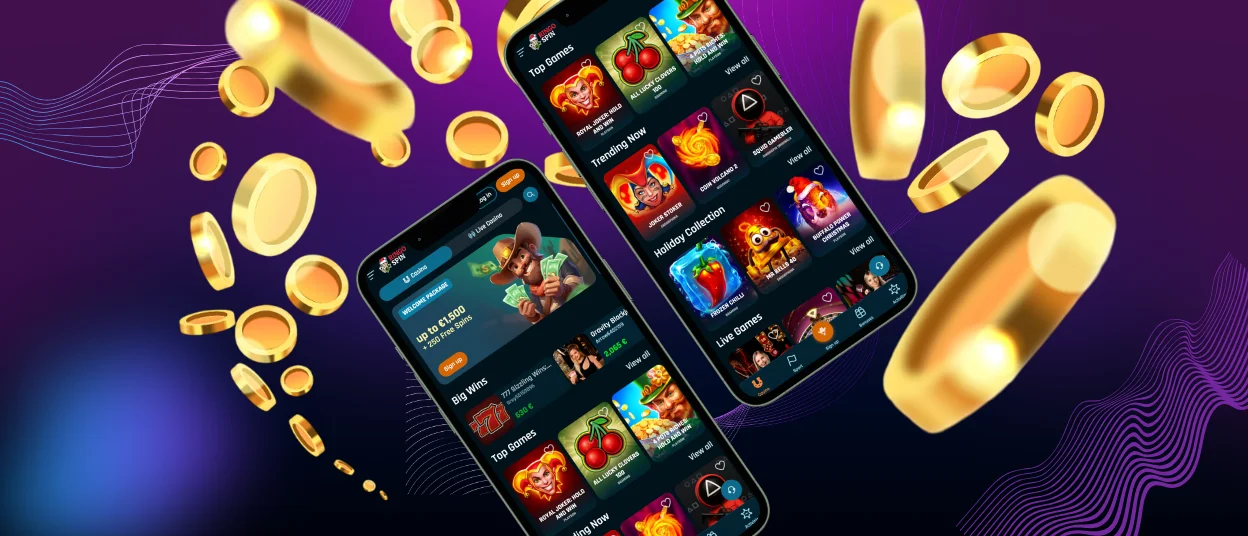
The RingoSpin app is an Android native software that balances between simplicity and performance. The app is available as a progressive web application. Any of our players can install it without using the traditional app stores.
No need to load any APK files directly on the RingoSpin Casino site. This provides a safe way of installation and instant use of all features. The Android version includes all essential features, including game selection, account services, secure transactions, and live chat support. It is also configured for touchscreen platforms, so it can be easily navigated by swipe motions and visible menus. The app’s security permissions are at the bare minimum, mostly focused on secure payments and real-time updates, and privacy is kept at the highest level.
Install on Android
To install the Ringospin app, you will need to:
- Click the “Casino app” button at the bottom of the page of our Ringo Spin Casino.
- You will be directed to the load link of our PWA.
- From there, you just need to click download and wait until you see the shortcut of Ringospin Casino on your screen. That is all.
Ringo Spin Casino desktop version
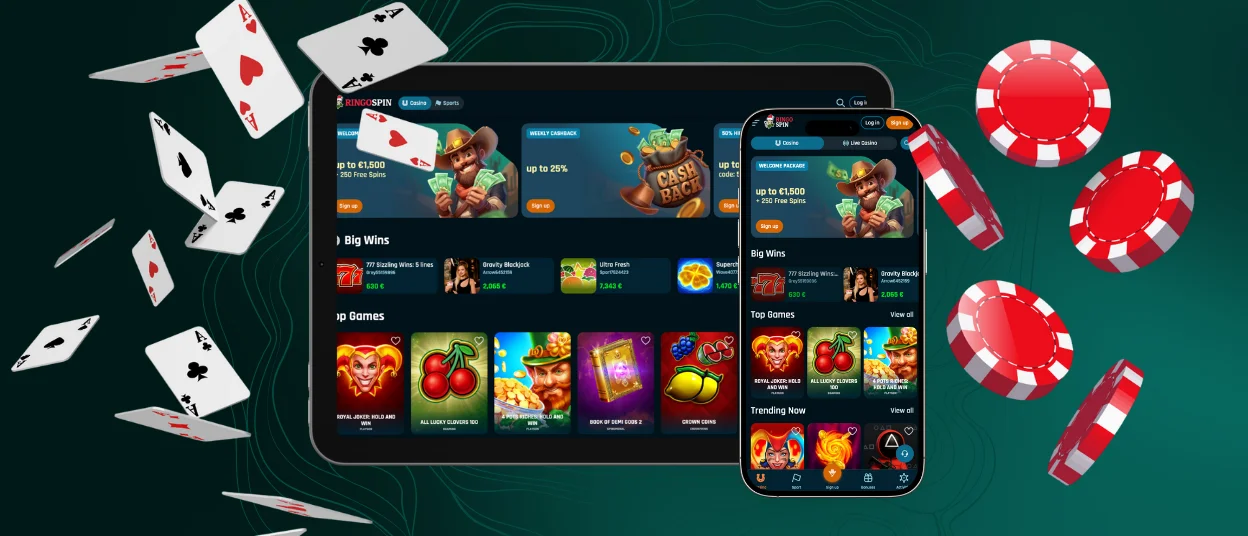
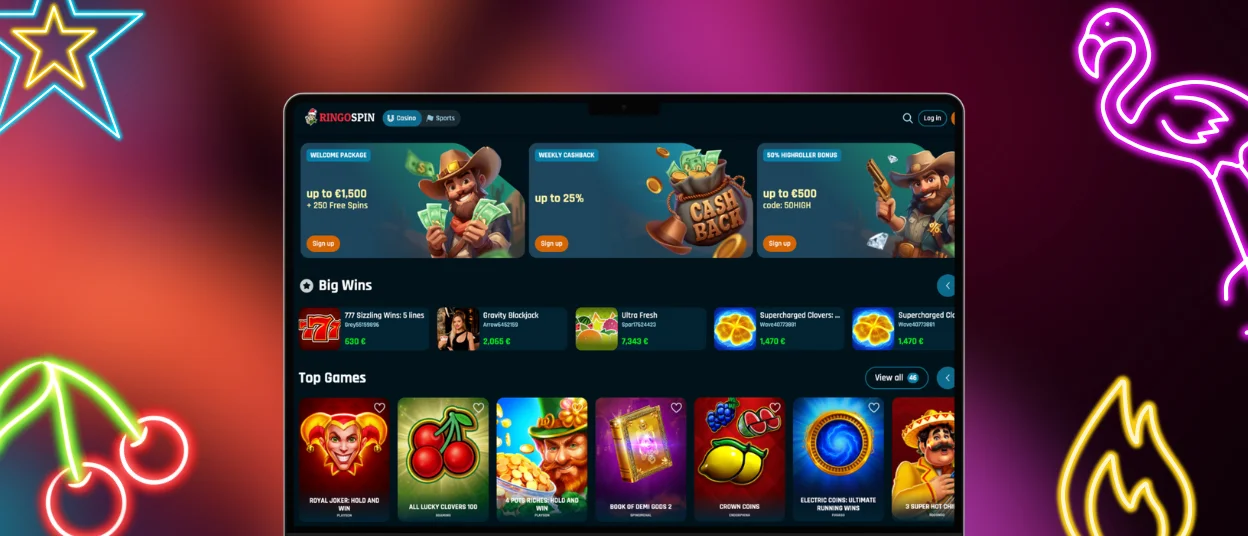
The desktop application of the RingoSpin Casino provides a complete game experience that is similar to what the mobile version delivers. The desktop version, which is compatible with such major browsers as Chrome, Edge, Safari, and Firefox, offers a larger interface to players who want to engage in an immersive mode. The design is convenient to navigate in-game categories, account settings, and support.
It is always more pleasant to play on a big screen, so you can play even on the largest monitors with us! You can easily add RingoSpin Casino to your computer: in Windows, you only have to open the browser, go to our Ringo Spin site, and make a shortcut through the menu. And for Safari or Chrome on Mac, add the Ringospin app just as a shortcut on your desktop.
Device compatibility
RingoSpin is always doing everything in our power to offer a consistent gaming experience on all platforms. The app and platform are compatible with smartphone devices, tablets and desktop computers, and they have the latest operating systems to provide security and performance.
The mobile casino is compatible with different screen sizes. We created a very simple navigation and access to the complete game library in the shortest time possible. The desktop application is created with a more detailed interface and can be used on larger displays without losing functionality or performance.
We are very pleased to inform our users that the RingoSpin Android application is compatible with various Android 6.0+ devices. It is device-friendly (smartphones, tablets), and if you install it, you can have a dynamic gaming platform that can adjust to screens of any size. The performance of the app guarantees saving your battery, quick loading features, and flawless animations, which suit the casino players so much.
FAQ
What is the RingoSpin PWA app?
Progressive Web App (RingoSpin PWA) is a lightweight, browser-based application of our casino. Do not be worried about any extra downloads—the Ringospin app has all native operations without needing to download anything! It also self-updates; therefore, the players are always ready with the newest security improvements and game additions. The PWA can be tailored across every type of device with rapid load times and offline support under constrained conditions.
Is the app optimized for tablets and larger screens?
We did everything to optimize it for any screen size! So, now it is thoroughly adaptable to different screen sizes, such as tablets and big screens. This guarantees that our cherished users have a flawless gaming experience on either a smartphone or a tablet, with user interface elements being adjusted to the best of usability.
Are all RingoSpin Casino games available in the PWA version?
The PWA version offers the library of RingoSpin Casino games, such as online slots, table games and book collections. All our libraries are displayed just the same. You lose nothing and can enjoy a reliable and consistent gaming experience all the time! You can always ask our support team to explain everything about our system and application—we are glad to serve.


